
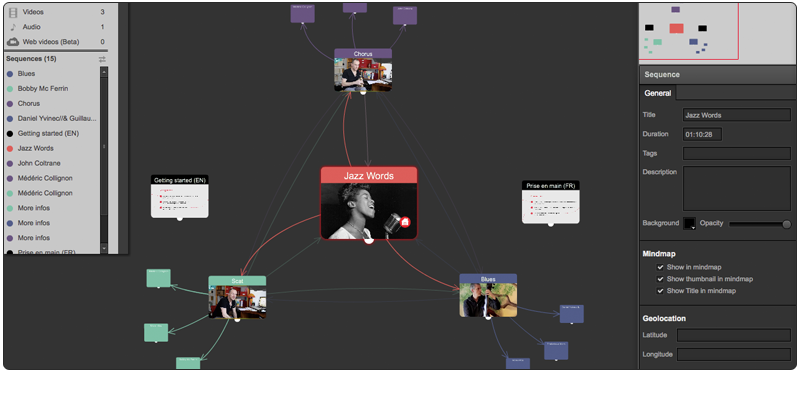
Visual Storyboard
Edit your storyboard like a Mind Map to organize your narrative structure.
Mixed Media Editing
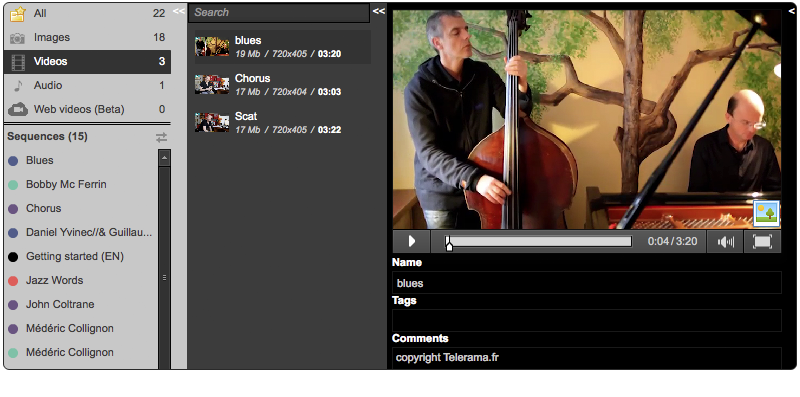
Edit your project with texts, images (.png, .jpeg, gif), audios (.mp3), videos (.mp4, webm, ogg) and any web based content (rss feed, youtube videos, google maps, wikipedia page...) using iframes.
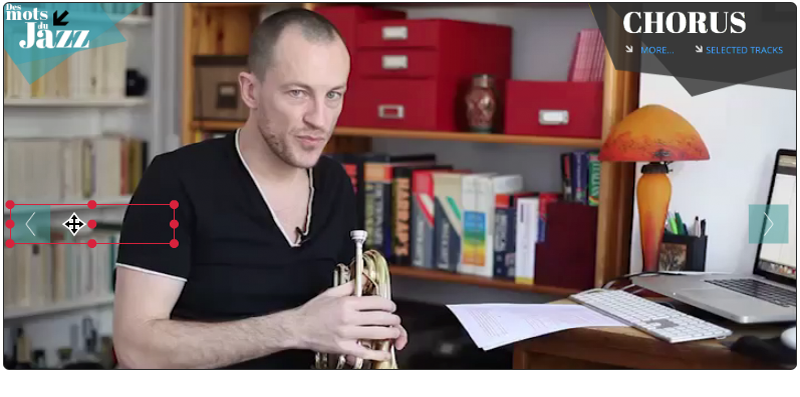
WYSIWYG and Timeline Edition with Immediate Preview
The WYSIWYG approach of the Sequence Editor allows simple & quick editing. Within each sequence, edit your hyperlinks, text, video, photo and audio clips using seperate tracks on the timeline. Preview instantly in your favorite browser using our brand new HTML5 player.
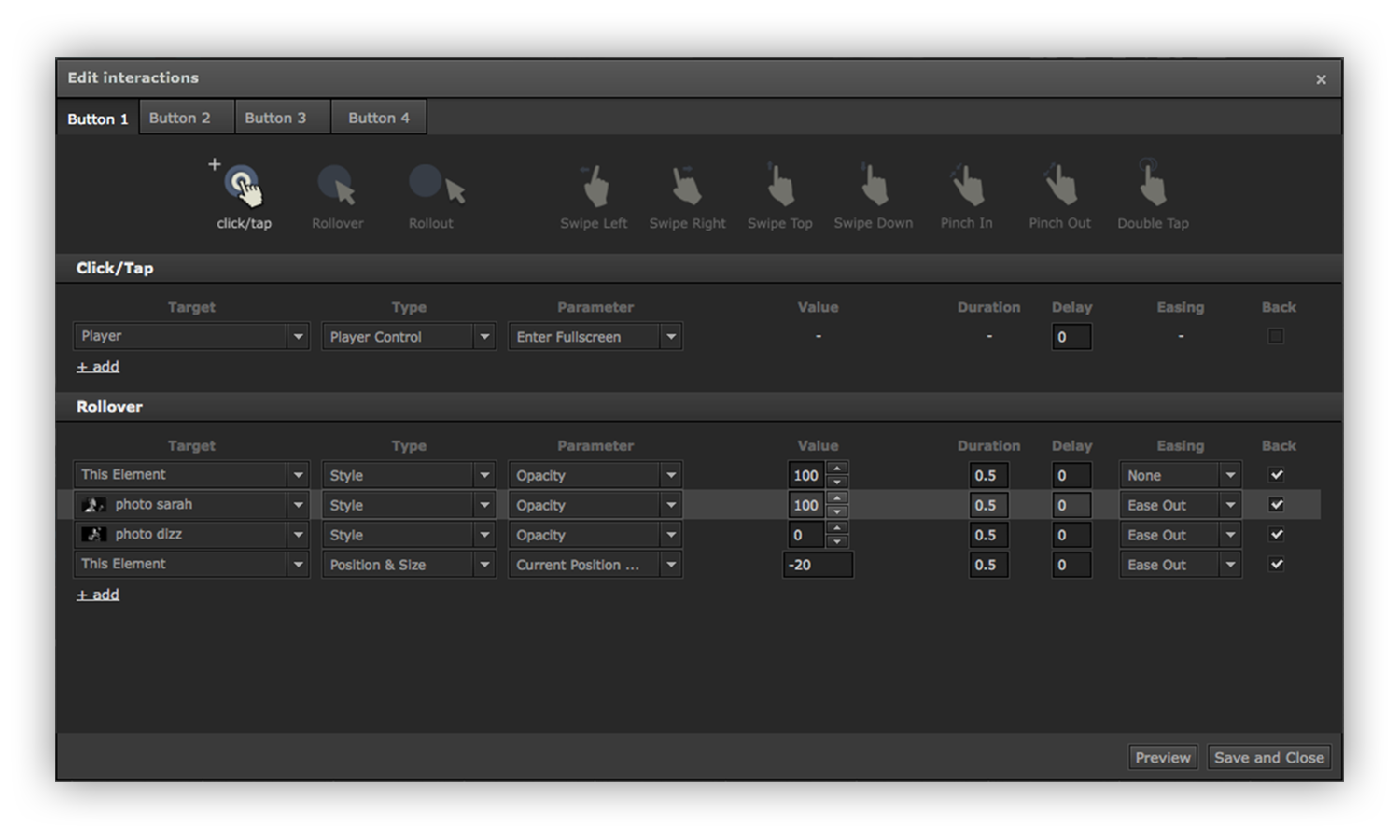
Advanced Interactions
With our brand new Interaction editing panel, you can now trigger actions based on your user behaviour on each element of a given sequence. Your interface becomes much more playful and engaging.
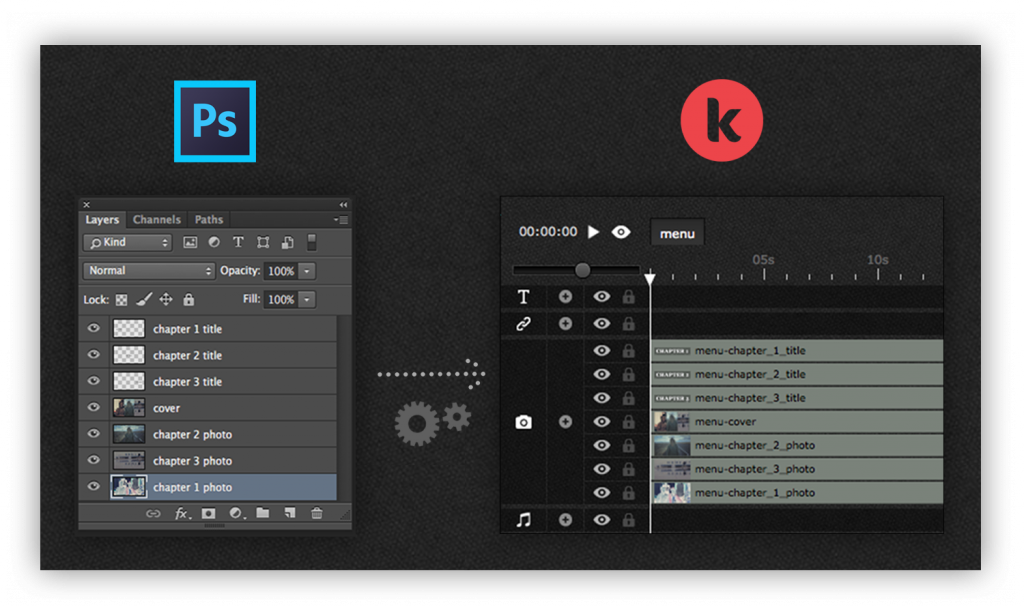
Photoshop Files Import
Photoshop is such a great tool to design & create stylish graphic templates for your sequences. Simply drag&drop your .psd file on your storyboard et voilà : Klynt will automatically create a new sequence with all your Photoshop visual layers in place and order.
Responsive Player which Adapts to Any Screen
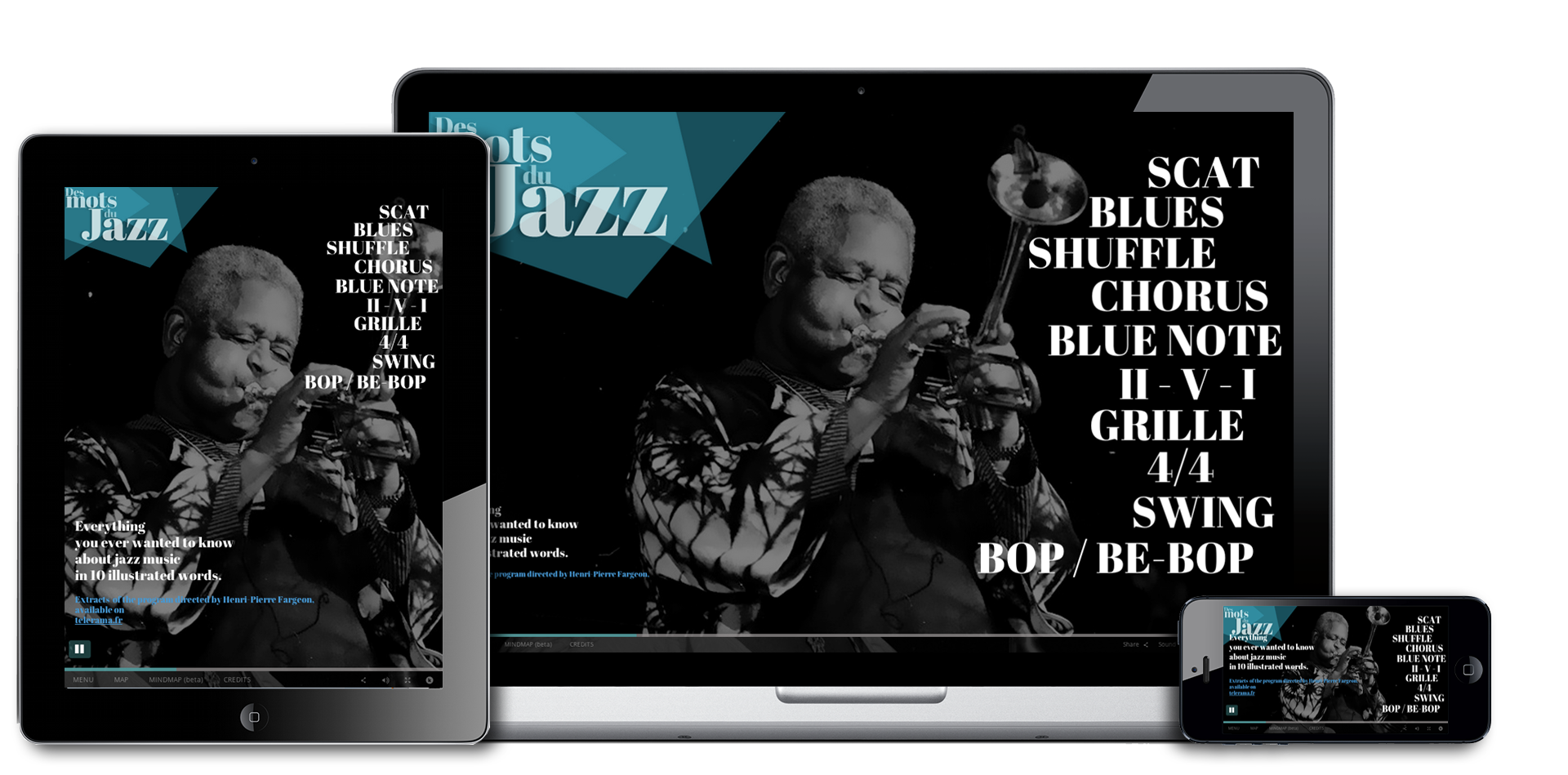
Whether your audience watches your story on a desktop computer, a tablet or a mobile phone, you can now manage the behaviour of your content so that it adapts perfectly to any screen size. By default, your project is rendered full window inside your browser, so anyone can enjoy a completely immersive and engaging storytelling experience. Moreover, once published, your project can be embedded at a custom size fitting the format of the website it is displayed on.
Cloud Video Plugins
With the new Klynt video plugins, you can now integrate online videos from the platform of your choice seamlessly and use them like local videos.
Player Interface Design Full Customization
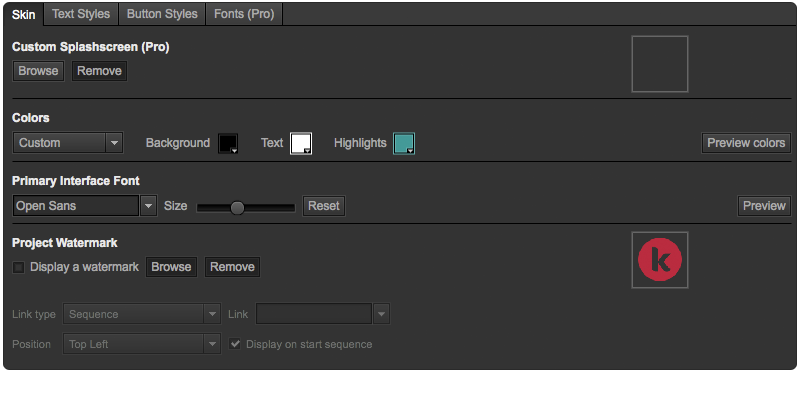
Customize the appearance of our Open Source HTML5 player design by setting your custom player ratio & size, image background, custom fonts and color of your choice for buttons, footer elements, index menu, map menu and text blocks with css. Add any javascript element to personalize your UX.
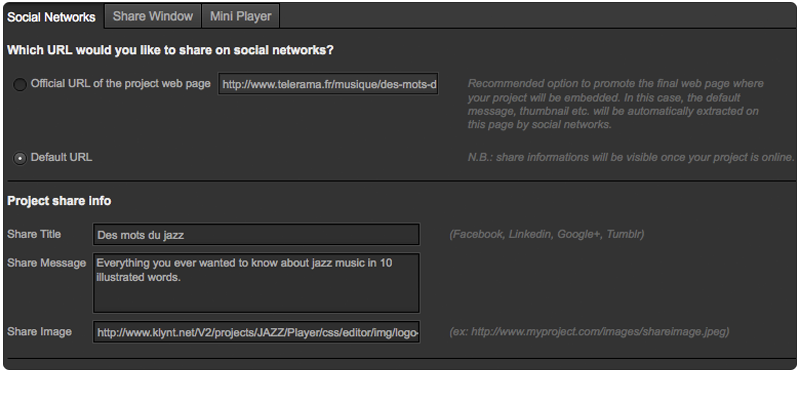
Share on your Favorite Social Networks
Let your audience share the project with deep links on Facebook, Twitter, LinkedIn.
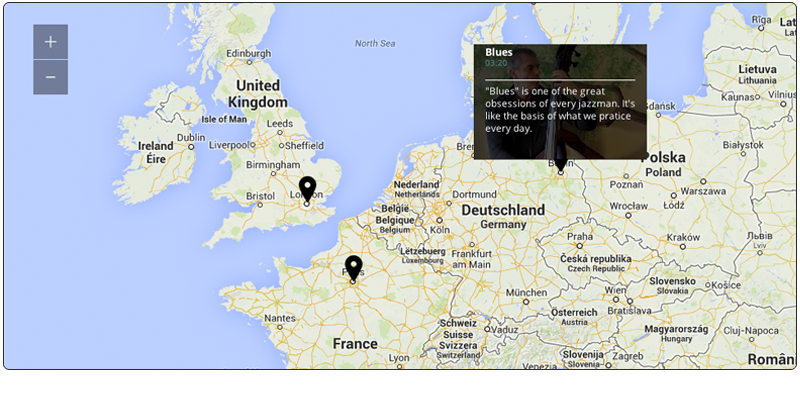
Create a Custom Menu with Google Maps
Create a custom menu to access your story via a dedicated interactive map.
Responsive Mini Player
Easily integrate your project in an article or a blog and let your audience enjoy the full immersive experience in full screen mode.
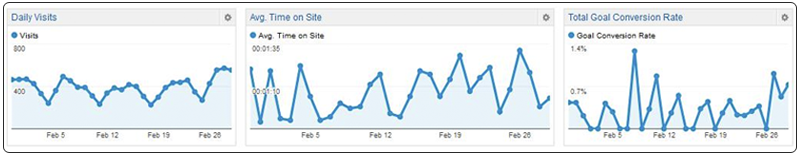
Detailed Analytics
Enter your own Google Analytics Key and access detailed statistics for each of your project sequences.
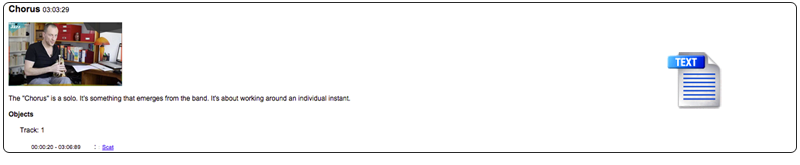
Script Export Feature
Export a text script of your project to make proofreading and translation of your editorial content easier.